
Faster, Steadier, and Lighter on the Planet
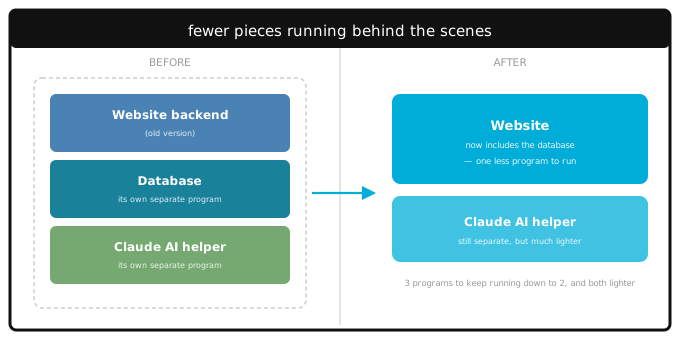
Back in June we wrote about rebuilding LinkaGoGo's backend in Go so the web app, iPhone, and Android could share the same engine. That post was mostly about us — cleaner code, less duplication....
Local Mode: Free, Private Bookmarking on iPhone and Android
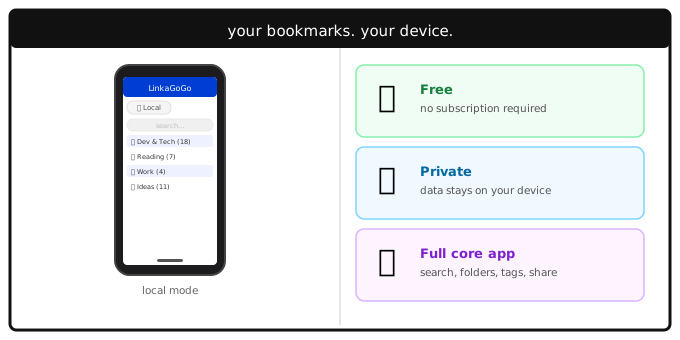
The iPhone and Android apps both support a mode that most users don't discover until they go looking for it: local mode. Your bookmarks live entirely on your device. No account. No subscription....
One Engine, Three Platforms: How We Rebuilt LinkaGoGo in Go
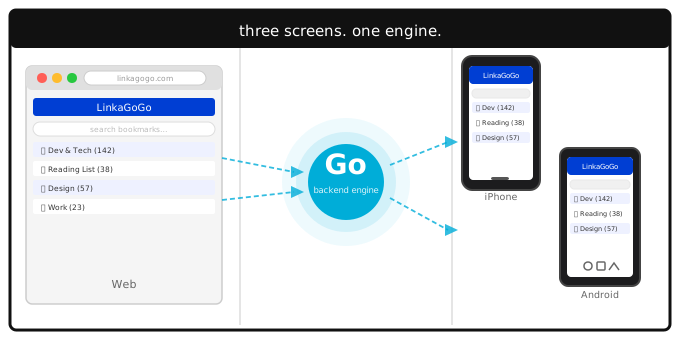
A few weeks ago we quietly shipped something that changed how LinkaGoGo works under the hood. The backend that handles your bookmarks — the part that saves, searches, organizes, and syncs...
Your Search Box Is a Command Line
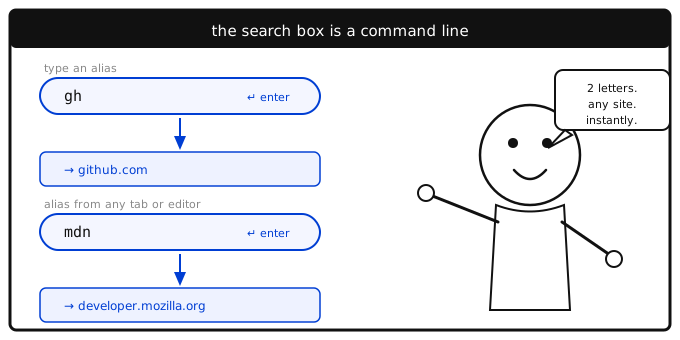
Most people use the search box to find bookmarks. That's useful. But there's a second mode that most people never discover: type an alias and hit Enter, and you go directly to that site — no click,...
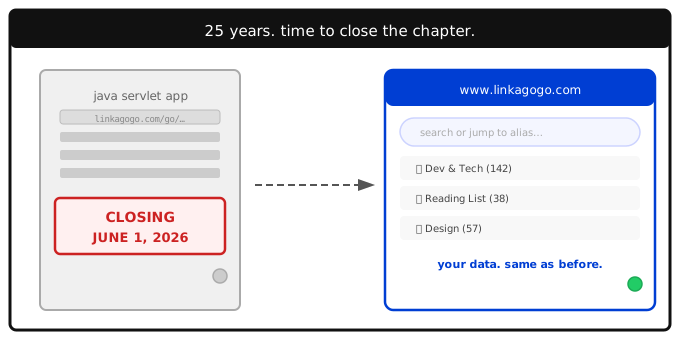
Legacy LinkaGoGo Shuts Down June 1: What Changes, What Stays
After 25 years, the original LinkaGoGo — the Java servlet app behind all those `/go/` URLs — is shutting down on June 1, 2026. This post covers exactly what goes away, what stays, and the one...
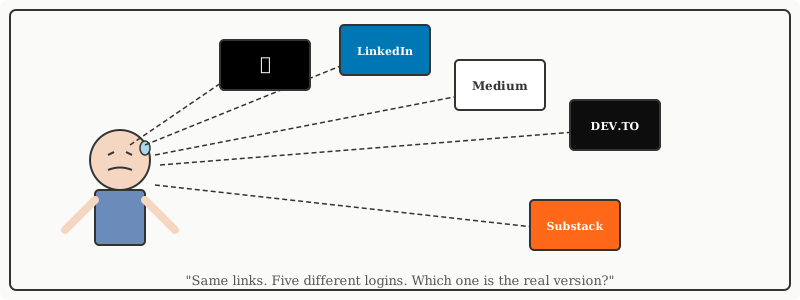
Publish Once, Share Everywhere — The POSSE Approach to Your Bookmark Collection
You've curated a great collection of links. Maybe it's a list of tools for indie developers, or every article you've found on machine learning, or the best writing on personal finance. It took time....
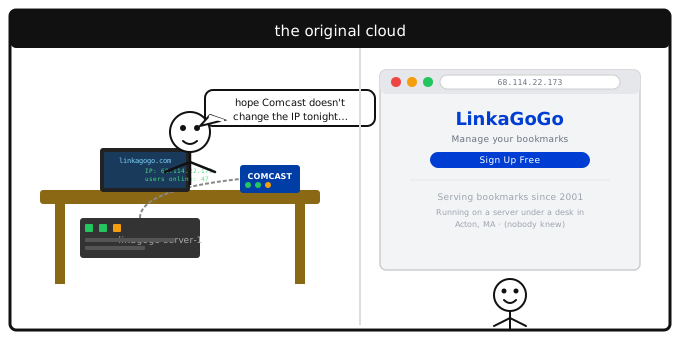
25 Years of LinkaGoGo: Servers Under Desks, Domain Disasters, and a Billion Bookmarks
LinkaGoGo turns 25 this month. The web has changed beyond recognition since 2001, but the problem it solves hasn't: you find something worth keeping, and you want it to still be there when you need...
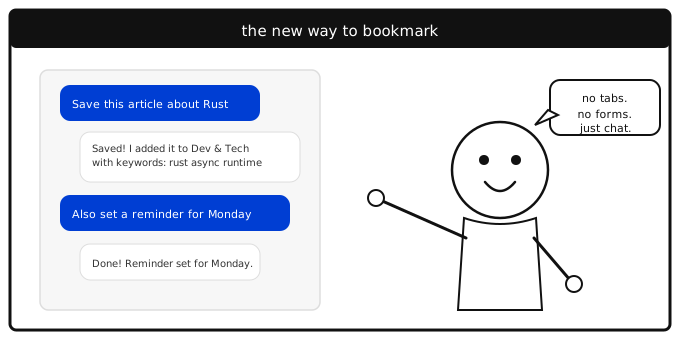
Prompt-Based Bookmark Management: Talk to Your Bookmarks
What if managing your bookmarks felt like talking to a colleague? Not clicking through menus, not filling out forms, not dragging items between folders. Just saying what you want done.
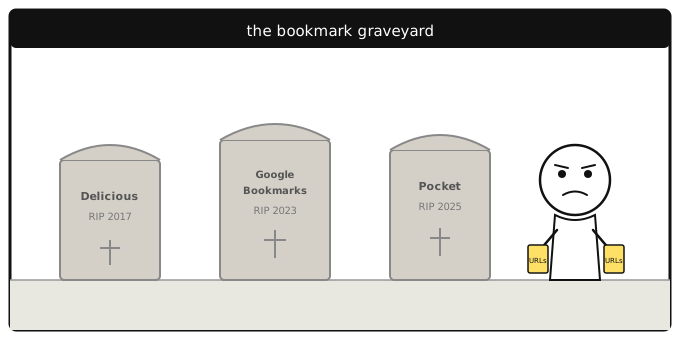
Why Bookmark Managers Keep Dying — and How to Pick One That Won't
There's a graveyard of bookmark services that were, at one point, the obvious choice. Delicious. Google Bookmarks. Pocket. Each one attracted millions of users, earned trust, and then disappeared.
Your Browser History Knows You Better Than Your Bookmarks Do
You visit hundreds of websites a week. You bookmark maybe five. So which one actually reflects what matters to you — the list you curated, or the trail you left behind?